No-Code Tools vs. AppBuildChat — Which One Lets You Build a Real App Without Development Knowledge?
No-code tools still require flow, error, and server knowledge — but AppBuildChat’s Human+AI workflow allows anyone to build a fully functional app with zero technical skills.
Posted by: Liam Kim
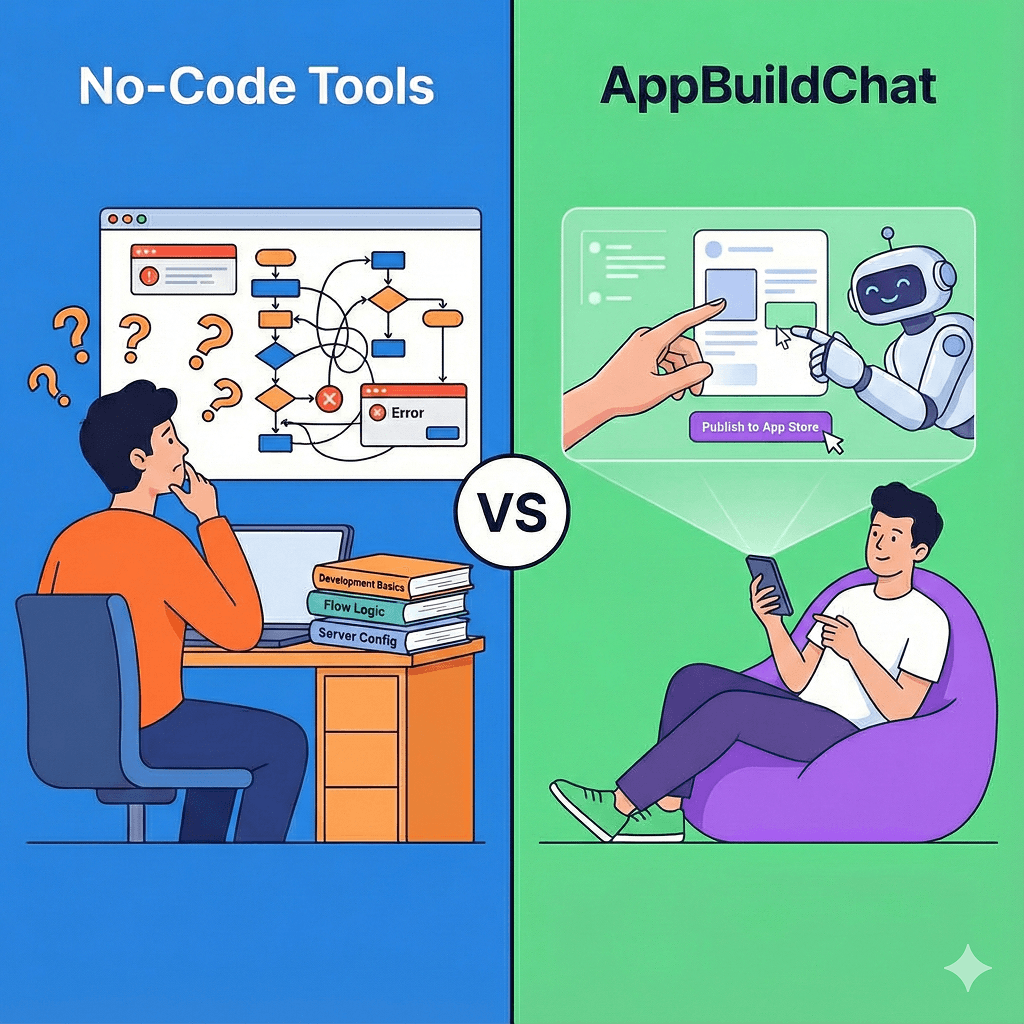
Can you really use a no-code tool without development knowledge?
Many people believe that “no-code means you don’t need to know code,” but once they actually use these tools, they discover the opposite. No-code platforms let you assemble screens like building blocks, but these blocks are simply a visual representation of real development concepts. Without understanding flows, database structures, user permissions, API behavior, and conditional logic, you quickly get stuck.
As soon as the app becomes even slightly complex, you must understand why:
- Data isn’t being saved
- Certain values won’t load
- A flow breaks or loops incorrectly
To fix these issues, you must understand development fundamentals.
So no-code is not a “tool for people who don’t know development” — it’s a tool that works only for people who understand at least some development.
What happens when you try to build an app with no-code but lack development knowledge?
The core issue is simple: when something breaks, you can’t fix it.
Most no-code errors come from things like:
- Incorrect database relationships
- Wrong variable/state handling
- Misconfigured logic flows
- Failed external API responses
- Conflicting navigation paths
These cannot be solved just by “looking at the screen” or guessing.
Founders end up studying development concepts just to debug their no-code app, or eventually hiring a no-code specialist or developer.
In other words, no-code isn’t a “developer-free tool” — it’s a tool that still requires developer-level knowledge to work correctly.
Why does AppBuildChat require zero development knowledge?
AppBuildChat does not assume customers have any technical background.
You simply enter your idea in one sentence, and the AI auto-generates the feature structure, logic, and data flow. Then the Human QA Layer tests everything — tapping through screens, checking errors, validating UX, and ensuring server communication works.
The customer only needs to do two things:
Say what feature you want:
- “Add a search bar on this screen.”
- “I want to include notifications.”
Say what you want to change:
- “Move this button to the bottom.”
- “Change sign-up to email-only.”
Feature flow, backend logic, database design, and state management are all handled by AppBuildChat.
This is why even complete beginners can create a fully functioning app.
Can no-code apps be published in the app stores?
This is where most founders hit a wall.
No-code tools generally do not support the final steps of app publishing — build generation, signing, testing, review submission, or approval handling. Most users eventually need a developer or an external agency for launch.
AppBuildChat, however, handles the entire release process.
The customer only needs to say:
“I want to publish my app.”
AppBuildChat manages:
- Build generation
- Developer account setup guidance
- App Store / Play Store submission
- Review responses
This is one of the biggest advantages — you can publish a real app without knowing any technical steps.
What is the practical difference between the two approaches?
No-code tools are essentially a DIY app-building kit.
If you have technical intuition, you can move quickly. But as complexity grows, limitations appear immediately. Costs also rise sharply as features increase, making total expenses unpredictable.
AppBuildChat, on the other hand, uses a Human + AI production workflow that builds a real, working app for you.
- The app itself is free (only server costs apply)
- You simply ask for features via chat
- Errors, UX, server flow, and design are all validated by humans
- Publishing is fully supported
This allows even non-technical users to own a fully functional, polished app.