Step 1. Describe Your Idea
The first step is a conversation with our AI consultant. Describe your app idea in your own words, and the AI will ask follow-up questions to understand exactly what you need.
Having the Conversation
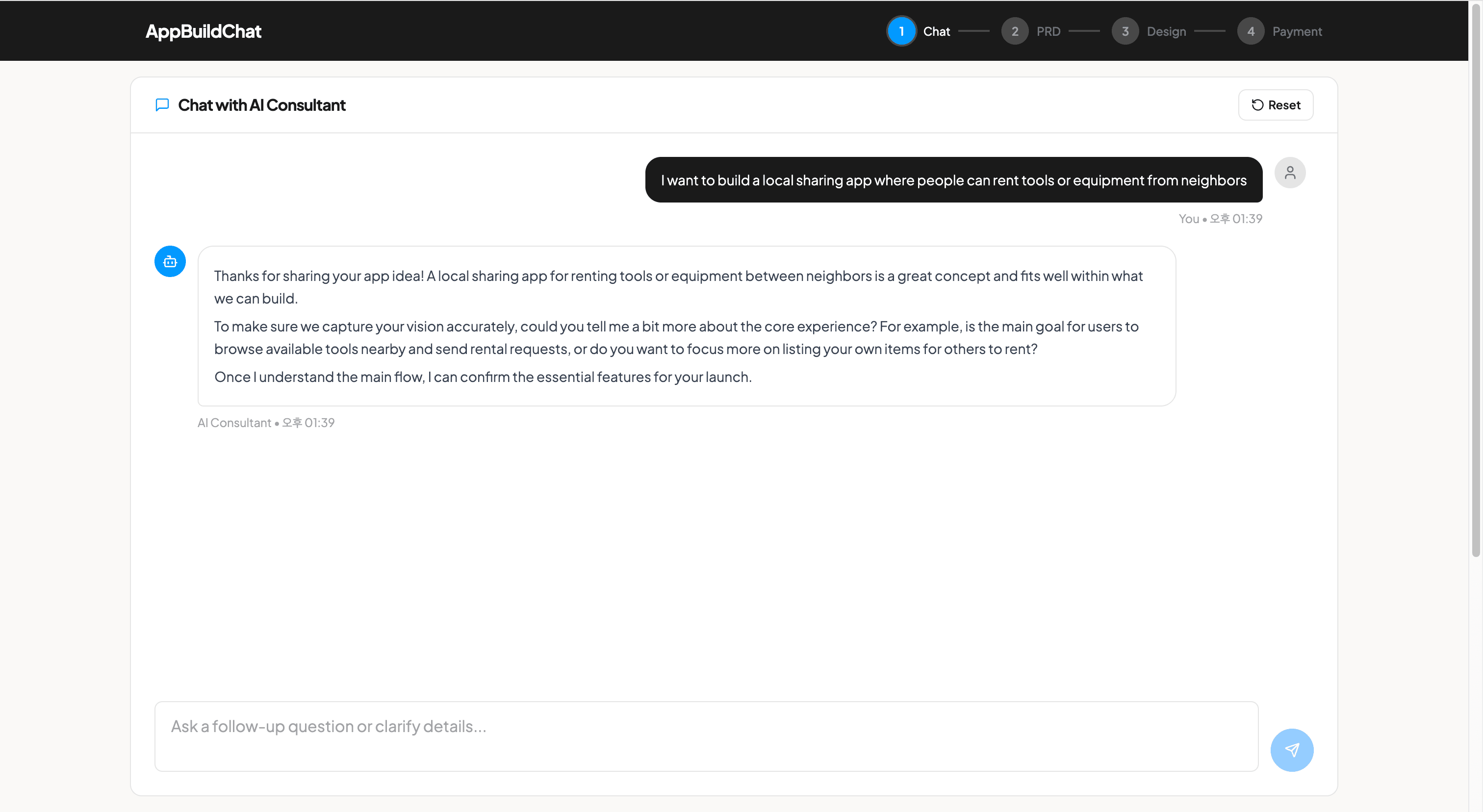
Start by telling the AI about your app idea. You can describe the problem your app solves, your target audience, and the core features you want. The AI will ask follow-up questions to clarify details and help refine your concept. The more specific you are, the better the result.
“I want a social app”
“I want a social app where runners can join local groups, share their routes, and cheer each other on”
PRD Generation
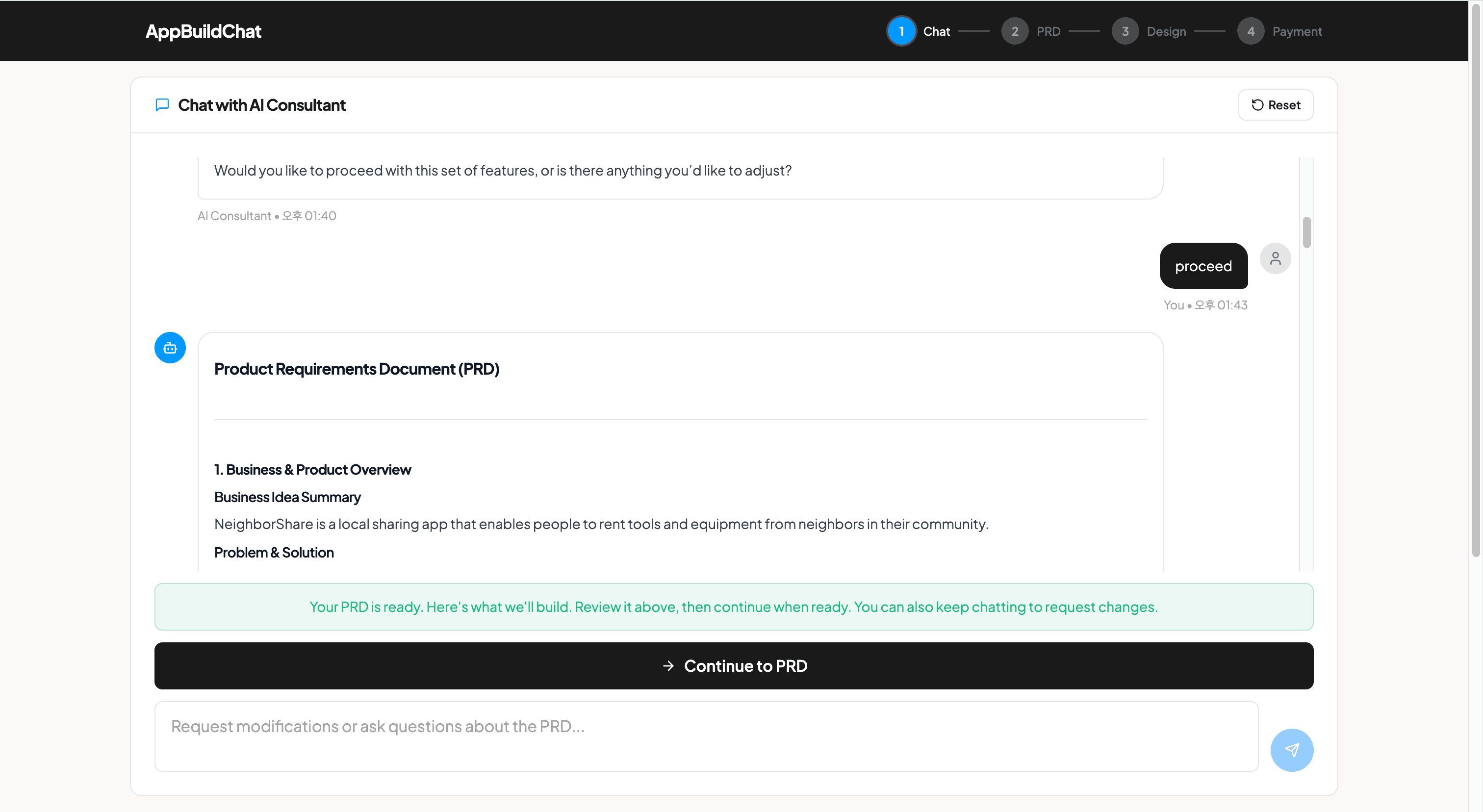
Once the AI has gathered enough information about your app idea, it automatically generates a Product Requirements Document (PRD). The PRD covers an app overview, your core features, a screen breakdown, the user flow, and navigation with role-based access. This document becomes the blueprint for your app.
Resetting the Chat
If you want to start over, click the "Reset" button at the top of the chat. This will clear your conversation history and let you begin from scratch. Note that resetting is permanent. Your previous conversation cannot be recovered.
FAQ
What should I tell the AI?
Describe your app idea, the problem it solves, who your target users are, and the key features you want. The AI will guide you with follow-up questions, so you do not need to have everything figured out in advance.
Can I modify the PRD after it is generated?
Yes. After the PRD is generated, you can continue chatting with the AI to request modifications or ask questions about the document. You can also go back to the chat from the PRD Review step to make changes.