Step 3. Design Preview
After your plan is approved, we generate a few design directions for your app based on your PRD. Pick the direction you like best. This guides how we style your real native app.
Design Directions
We generate a few home screen directions from your PRD, each with its own layout and visual style. Browse them on an iPhone or Android preview and choose the one that fits your brand.
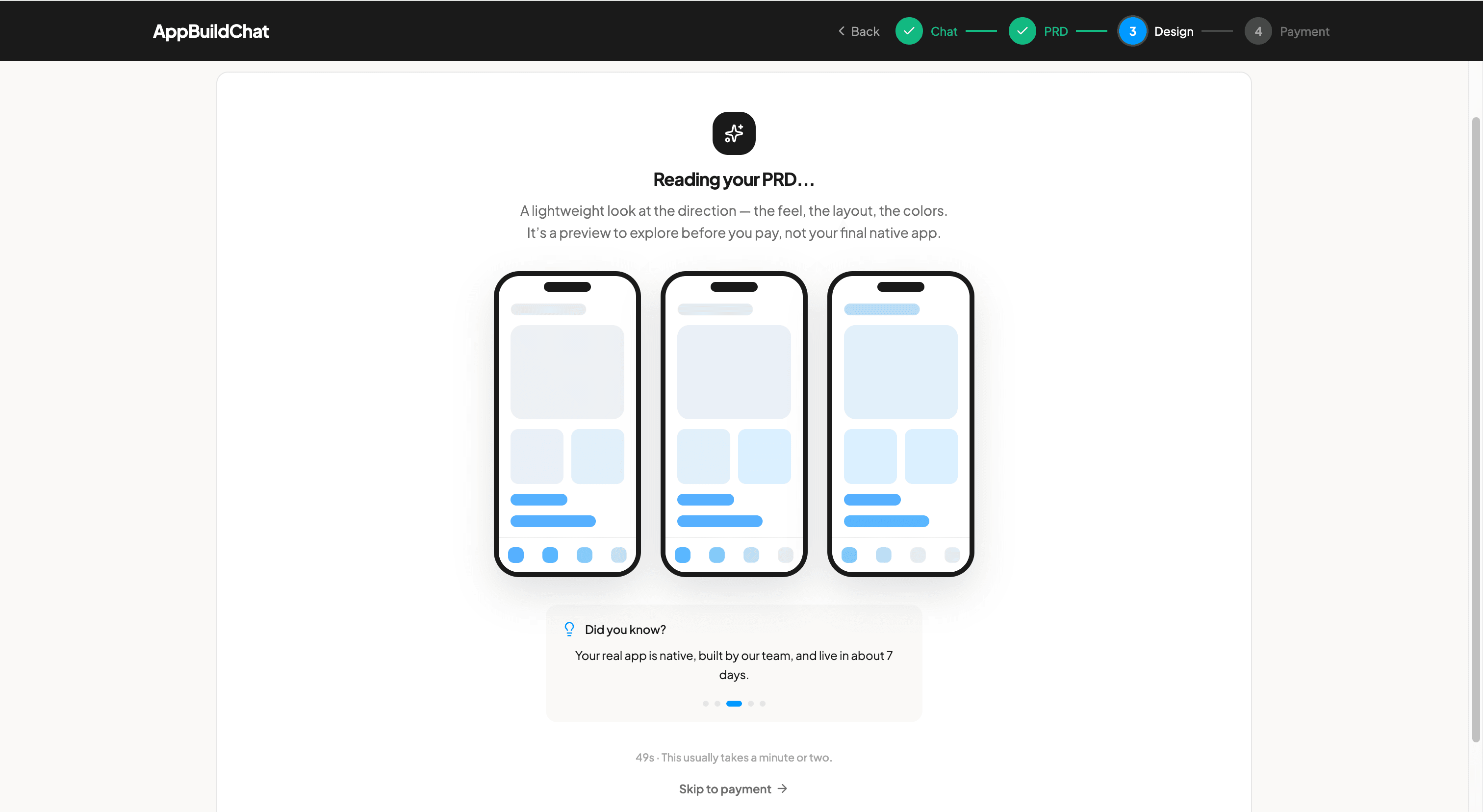
Guidance, Not the Final App
The preview is design guidance, not your finished app. We use the direction and colors you choose to build the real native app, polished by our design team.
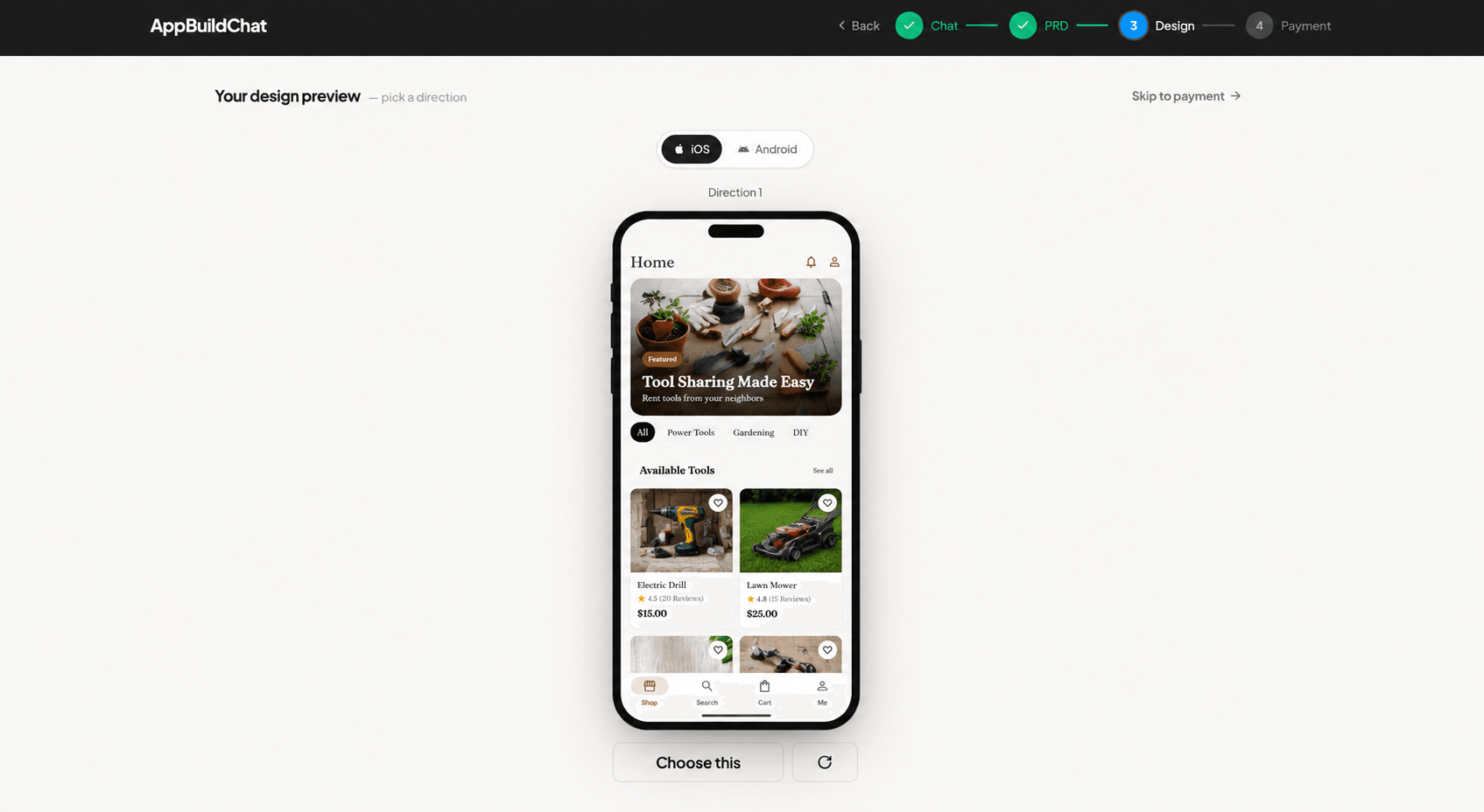
Regenerate a Direction
Not quite right? Use the regenerate button on any direction to get a fresh take in the same style. Your brand colors are applied automatically when available.
Optional Step
Choosing a design is optional. You can skip straight to payment at any time, and your app is still built from your approved PRD. You will not be charged at this step.
FAQ
Is the design preview my final app?
No. The preview shows design directions to guide the look and feel of your app. Our design team builds the real native app using the direction and colors you pick.
Do I have to choose a design here?
No. The design step is optional. You can skip to payment and your app is still built from your approved PRD.
Will I be charged at this step?
No. Choosing a design is free. Payment happens on the next step.