App Preview
The App Preview tab lets you see how your app looks and feels on real devices. Review your app's design, check the PRD, and revisit your chat history, all from one place.
Device Preview
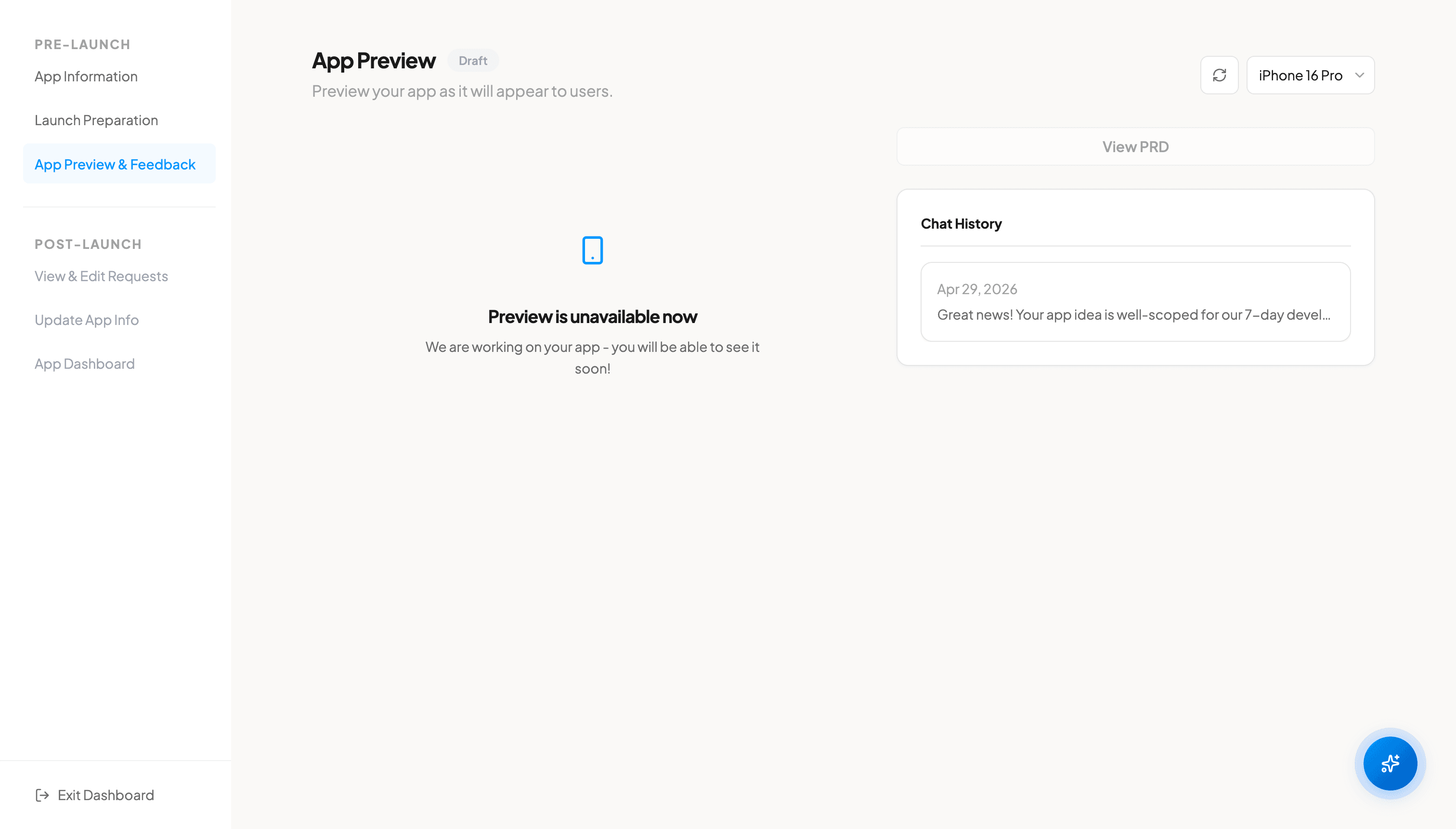
Preview your app on different device models including iPhone 16 Pro, iPhone 16e, and Galaxy S25. Switch between devices to see how your app adapts to different screen sizes and platforms. The preview shows your app as it will appear to end users.
Chat History Widget
The Chat History widget shows your conversation history, including both your initial AI consultation chat and any modification chats. This provides a complete record of all decisions and changes made throughout the development process.
Modification Banner
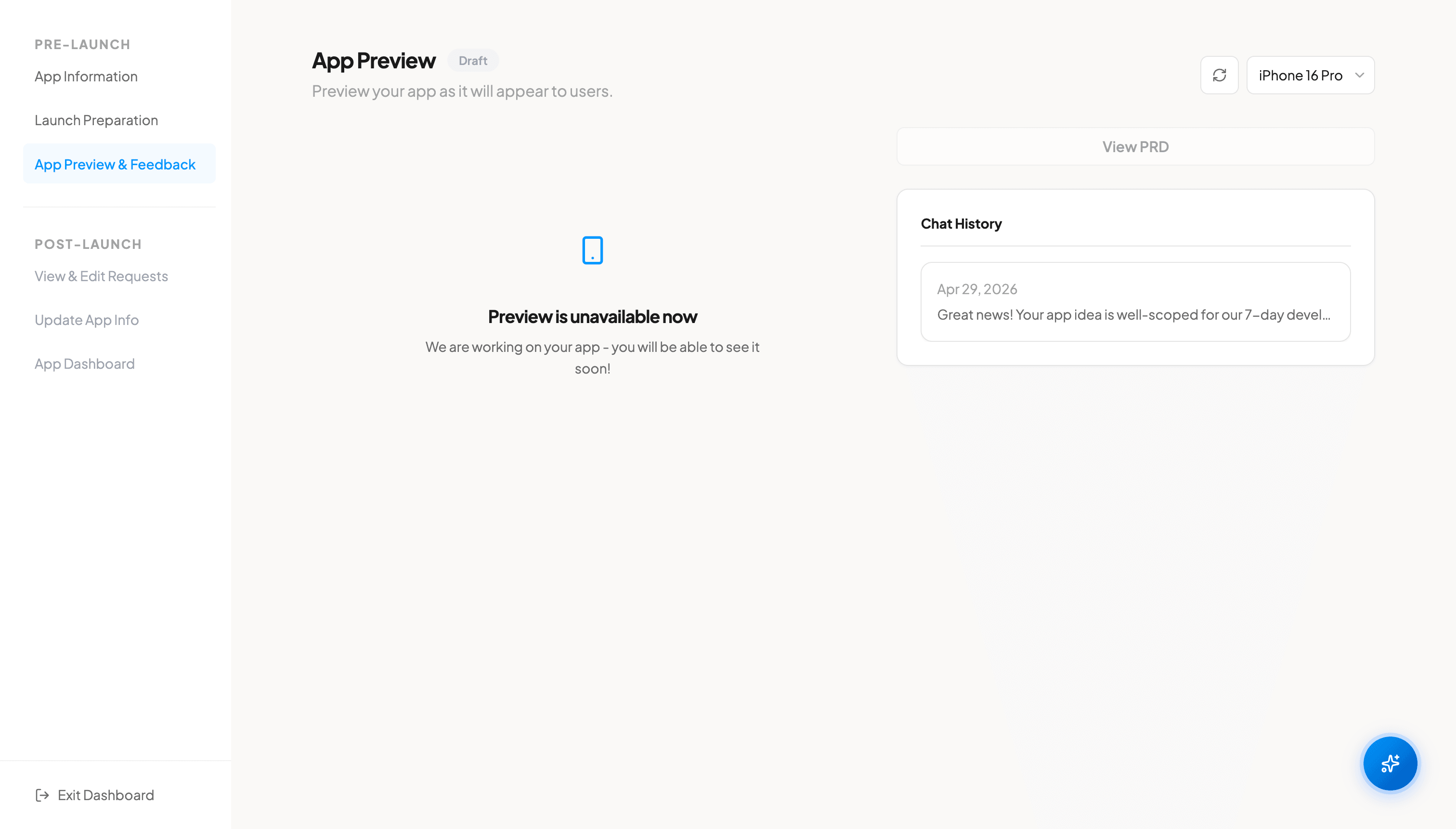
When your project is in review or released status, a modification banner appears on the App Preview tab. Click the banner to open the modification chat, where you can describe changes you want in a split-screen interface. The banner shows different text depending on whether your app is pre-launch or post-launch.
FAQ
Which devices can I preview my app on?
You can preview your app on iPhone 16 Pro, iPhone 16e, and Galaxy S25. These cover both iOS and Android platforms with different screen sizes.
Does the preview show the final design?
The preview shows your app as it will appear to end users, reflecting the current state of development including any modifications you have requested.