Step 2. PRD Review
After the AI generates your PRD, you will review the document and approve it before moving forward. This step ensures that everyone is aligned on what will be built.
Understanding Your PRD
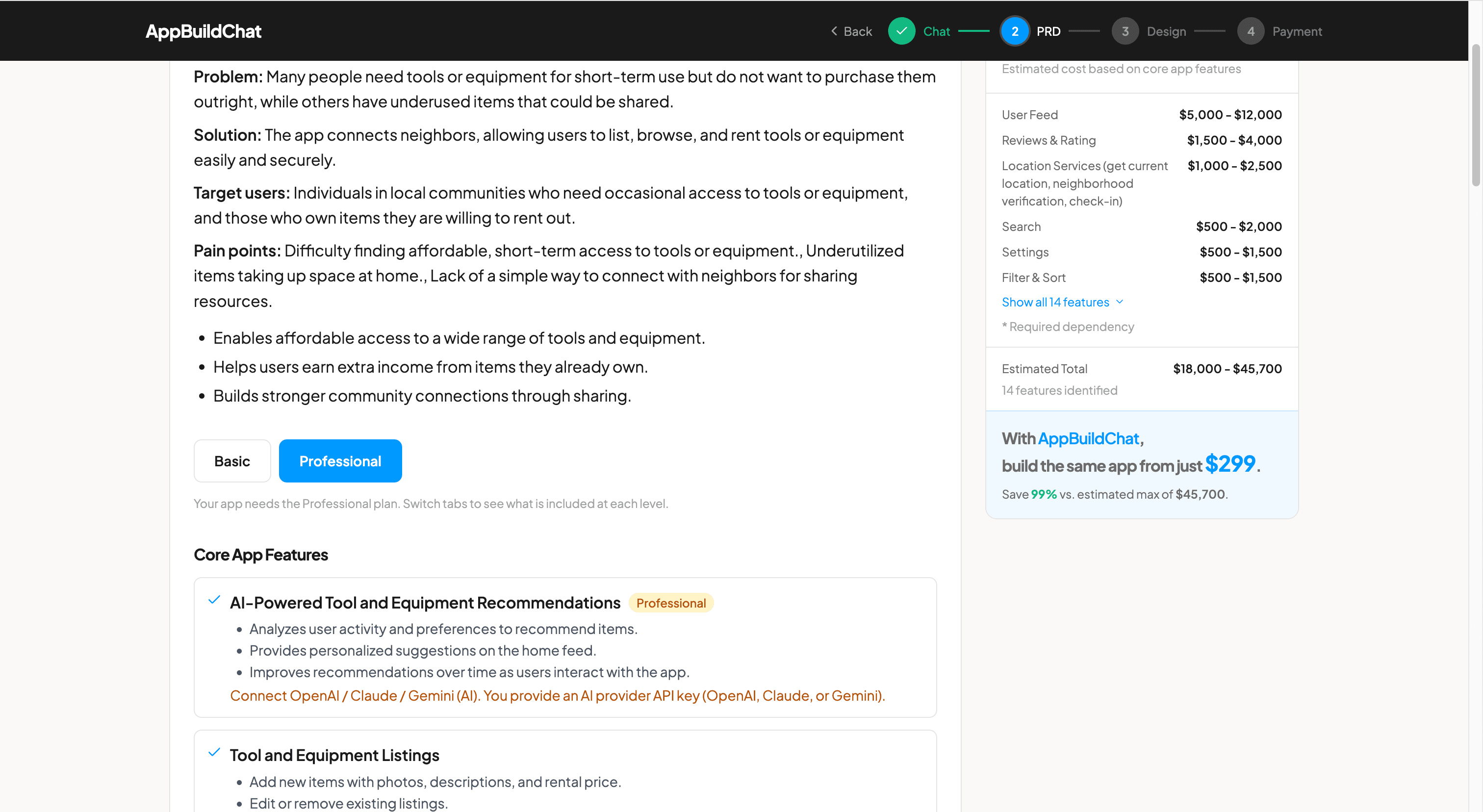
Your Product Requirements Document is organized into clear sections. These cover Overview (a summary of your app, the problem it solves, and who it is for), Core Features (the specific functionality that will be built), Screen Breakdown (the key screens of your app), User Flow (how people move through the app), and Navigation & Role-Based Access (how the app is structured and who can access what). Review each section carefully to make sure it accurately reflects your vision.
Sign-Off Checkboxes
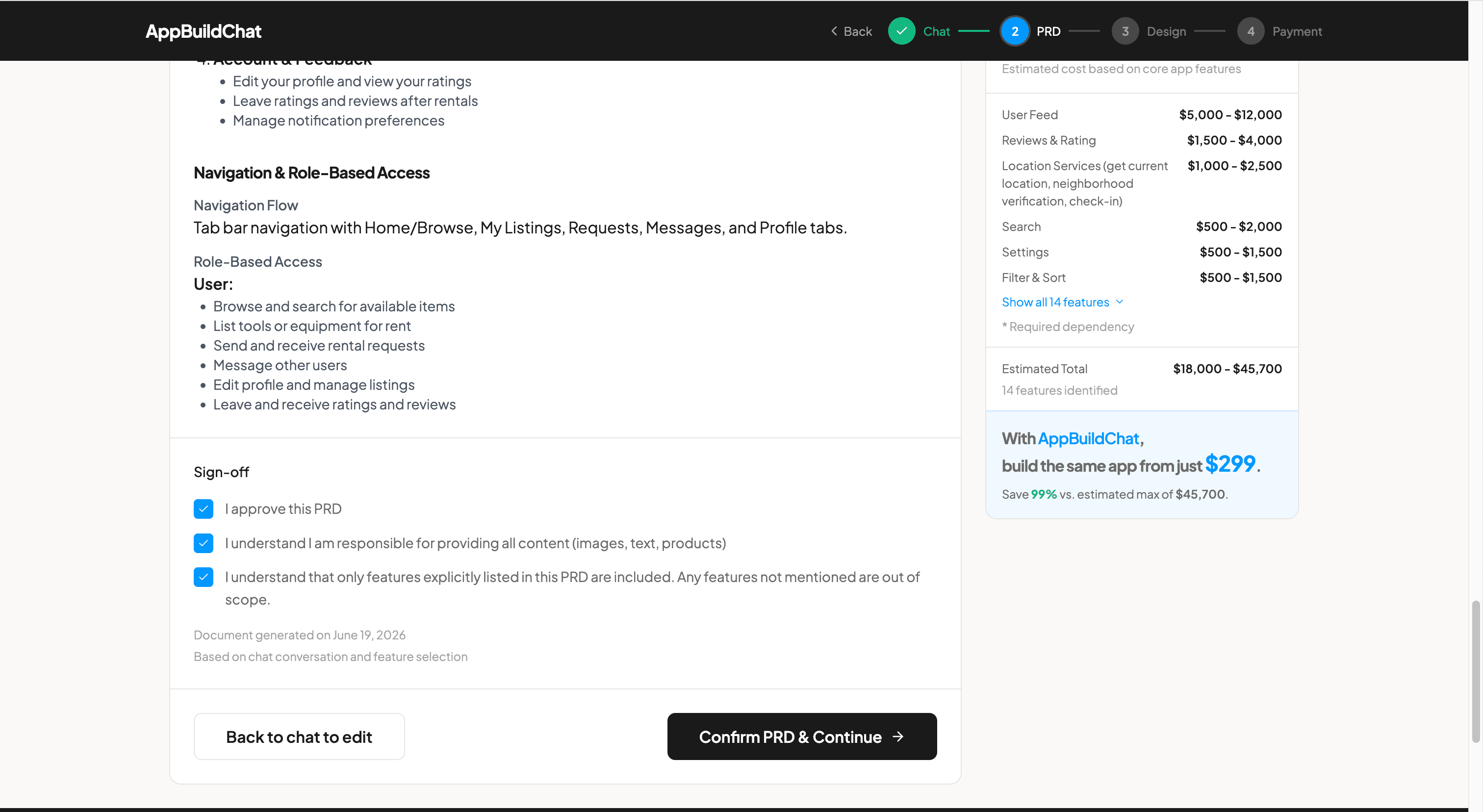
Before proceeding, you must check three sign-off boxes. The first confirms that you approve the PRD and that it accurately describes what you want built. The second acknowledges that you are responsible for providing all content such as images, text, and products. The third confirms you understand that only features explicitly listed in the PRD are included, and anything not mentioned is out of scope.
Requesting Changes
If something in the PRD does not look right, click "Back to chat to edit" to return to the AI conversation. You can request specific changes, add new features, or remove items you do not need. The AI will update the PRD based on your feedback, and you can review it again.
FAQ
Why are there three checkboxes to sign off?
The three checkboxes ensure clear alignment between you and our team. The first confirms you approve the plan. The second reminds you that content like images, text, and product data need to come from you. The third sets clear expectations about project scope, since only features listed in the PRD will be included.
What does "responsible for providing content" mean?
While we build the app and handle all the technical work, the actual content, such as product images, descriptions, text copy, and any business-specific data, needs to be provided by you. We will let you know exactly what we need and when.